Getting Started with Schema Markup
Schema markup is structured data based on the Schema.org vocabulary. This guide walks through creating JSON-LD with the Schema Generator and publishing it on your site.
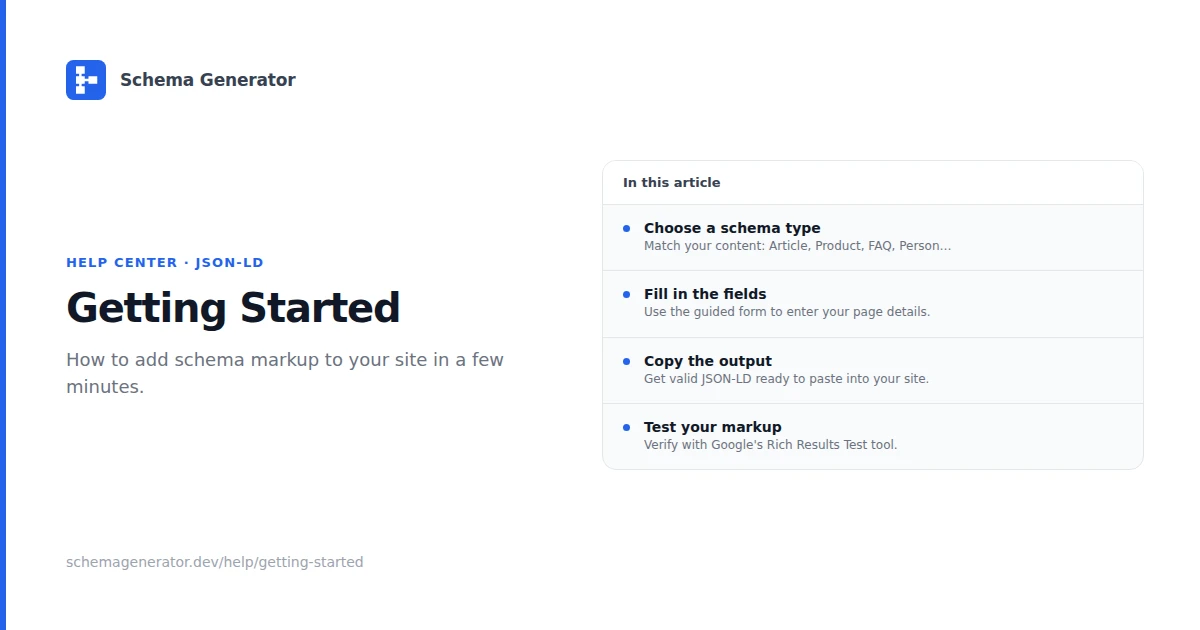
What you will do
- Pick a schema type that matches the page (Organization, Product, Article, FAQ, etc.)
- Fill the guided fields in the Schema Generator
- Copy the JSON-LD into a script block with type application/ld+json
- Validate with Google Rich Results Test and validator.schema.org
Choose a schema type
Common starting points:
- Organization on your homepage or about page
- Article on blog posts
- Product on product detail pages
- FAQ when questions and answers are visible in HTML
Browse all types on the schema types page or read the Schema Types Guide.
Add JSON-LD to your page
<script type="application/ld+json">
{
  "@context": "https://schema.org",
  "@type": "Organization",
  "name": "Your Company Name",
  "url": "https://yourwebsite.com"
}
</script>
Place the block in the document head or before </body>. The JSON must match what visitors see on the page.
Validate before publish
- Google Rich Results Test for rich result eligibility
- Schema.org Validator for syntax and type checks
- Google Search Console after deploy for ongoing error reports
See Schema Testing & Validation for a full checklist.
Common mistakes
- Using a schema type that does not match the page content
- Omitting required properties for that type
- Adding ratings or FAQ answers that are not visible on the page
- Duplicating the same entity in multiple conflicting JSON-LD blocks
Details: Common Schema Markup Mistakes.
Platform guides
Quick checklist
- Choose the schema type for the page
- Generate markup with the Schema Generator
- Validate with Rich Results Test
- Monitor Search Console after launch
- Read Implementation Best Practices when you expand to more templates